

 You're invited to the beta
Download the
Ohana app
for iPhone
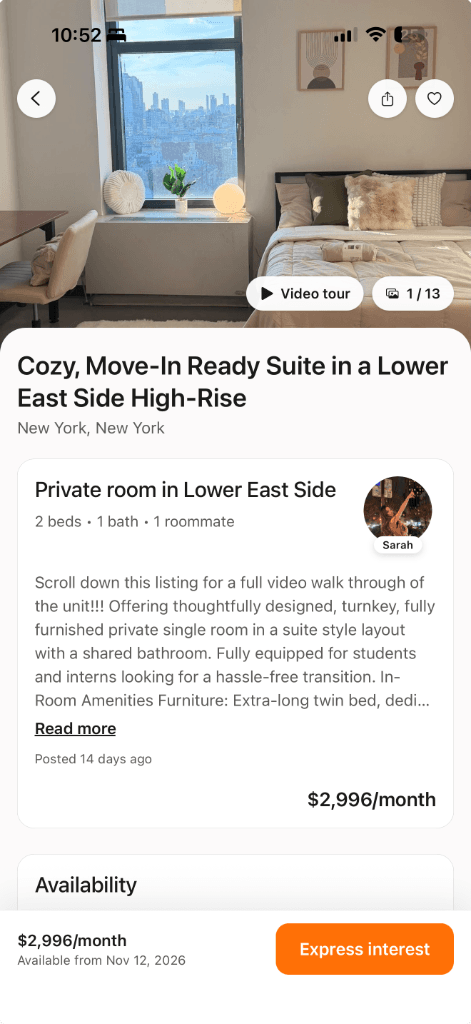
The Ohana iPhone app is open to beta testers. Accept your TestFlight invite and use Ohana from your phone before it reaches the App Store.
Free. Requires Apple's TestFlight app on iPhone.

Join in three steps
Do these on your iPhone. It takes about a minute.
 1
Get TestFlight
On your iPhone, download Apple's free TestFlight app from the App Store.
Download TestFlight- 2
Accept your invite
Open the Ohana invite link on the same device. TestFlight opens and shows Ohana; tap Accept.
Open the invite  3
Install and sign in
Tap Install, then open Ohana from your home screen and sign in to your Ohana account, or create one.
Join the beta
Reading this on a computer?
Point your iPhone camera at the code to open the invite on your phone. Install TestFlight first, then scan it again to accept. Or copy the link and send it to yourself.
New for hosts
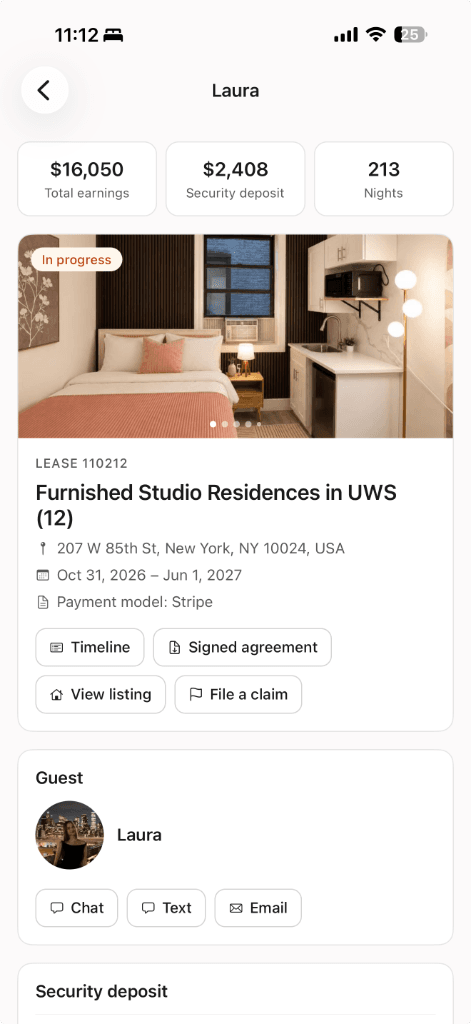
Host from your pocket
Everything you need to fill your place, without opening a laptop.
Push notifications
for every new guest, message, and signature

Messaging on the go
Share photos in chat
Schedule an intro call
Ohana for iPhone
All in one app
Send offers in a few taps
Sign agreements anywhere
Track payouts and earnings
Invite your team
Choose your alerts
Pricing and availability
updated in seconds, whenever plans shift

What is TestFlight?
TestFlight is Apple's app for beta testing. Apps that aren't on the App Store yet are installed through it, so you'll need it once to get Ohana. After that, Ohana lives on your home screen like any other app.
Made by Apple
TestFlight is Apple's official way to try iPhone apps before they're on the App Store. It's free and comes from the App Store.
Updates arrive automatically
When we ship a new beta build, TestFlight lets you know and installs it for you.
Tell us what you think
Take a screenshot in the app to send feedback straight to our team, or share feedback from TestFlight.
Questions
Why do I need TestFlight?
Apps that aren't on the App Store yet can only be installed through TestFlight. Once you've installed Ohana with it, you open Ohana from your home screen like any other app.
Does it cost anything?
No. TestFlight and the Ohana beta are both free.
Will my account carry over?
Yes. Sign in with the same account you use on the Ohana website.
Can I use it on Android?
Not yet. The beta is iPhone only for now. Ohana works in any browser in the meantime.
How do I leave the beta?
Delete Ohana from your phone, or open TestFlight, choose Ohana, and tap Stop Testing. Your Ohana account isn't affected.